> ## Documentation Index
> Fetch the complete documentation index at: https://docs.gable.ai/llms.txt
> Use this file to discover all available pages before exploring further.
# Update Profile
## 1. Accessing Your Profile
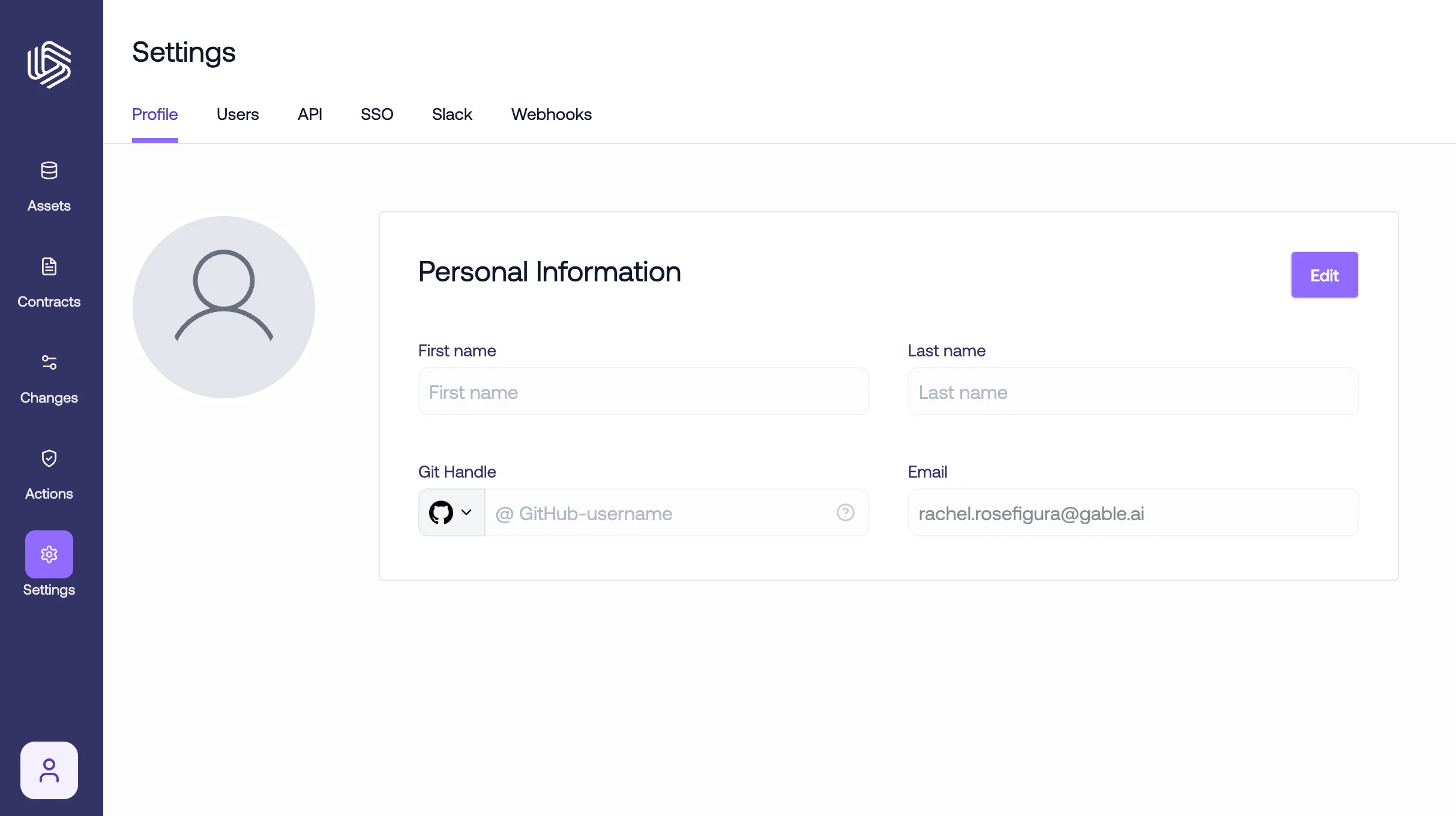
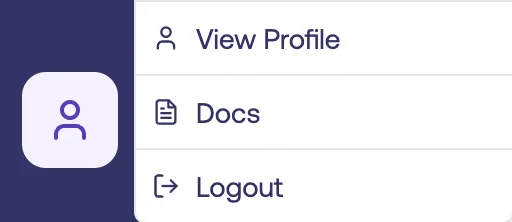
Once logged in, navigate to the bottom-left corner, click the profile icon, and then select `View profile`. You can also access your profile under the `Profile` tab of Settings.
 ## 2. Editing Basic Information
Here, you can see the current profile information and also update your first name, last name, Github handle, and email. Click the `Edit` button in the respective section to make changes. After making edits, click the `Save` button to ensure your changes are recorded.
## 2. Editing Basic Information
Here, you can see the current profile information and also update your first name, last name, Github handle, and email. Click the `Edit` button in the respective section to make changes. After making edits, click the `Save` button to ensure your changes are recorded.