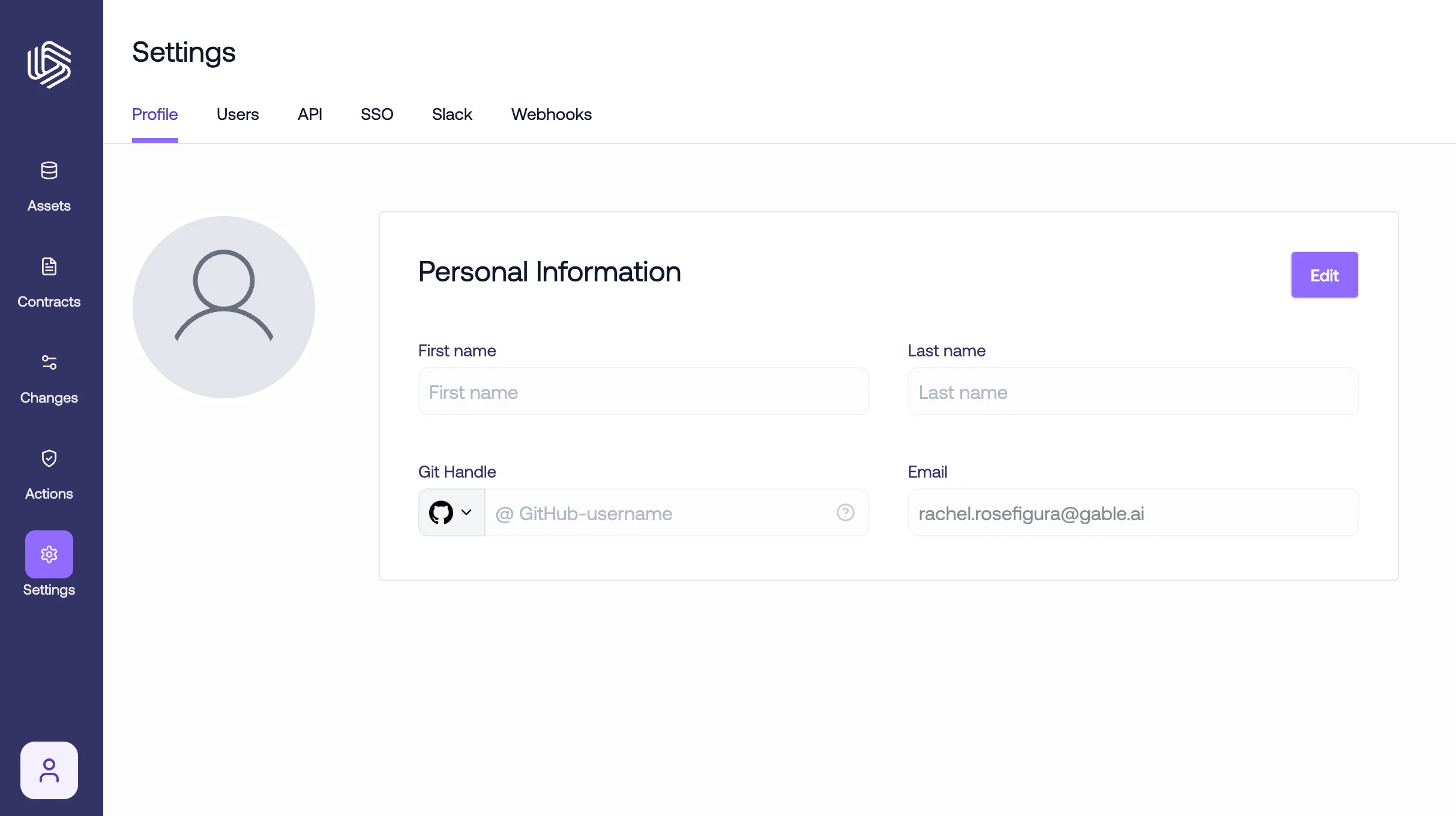

1. Accessing Your Profile
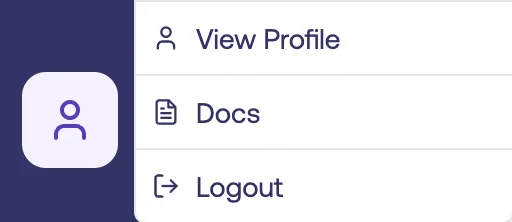
Once logged in, navigate to the bottom-left corner, click the profile icon, and then selectView profile. You can also access your profile under the Profile tab of Settings.
2. Editing Basic Information
Here, you can see the current profile information and also update your first name, last name, Github handle, and email. Click theEdit button in the respective section to make changes. After making edits, click the Save button to ensure your changes are recorded.